Understand Your Car’s Symptoms.
Describe what you notice. Answer a few follow-up questions. Explore possible causes, safety guidance and a more informed next step.
AI-assisted information to help you prepare—not a definitive diagnosis.
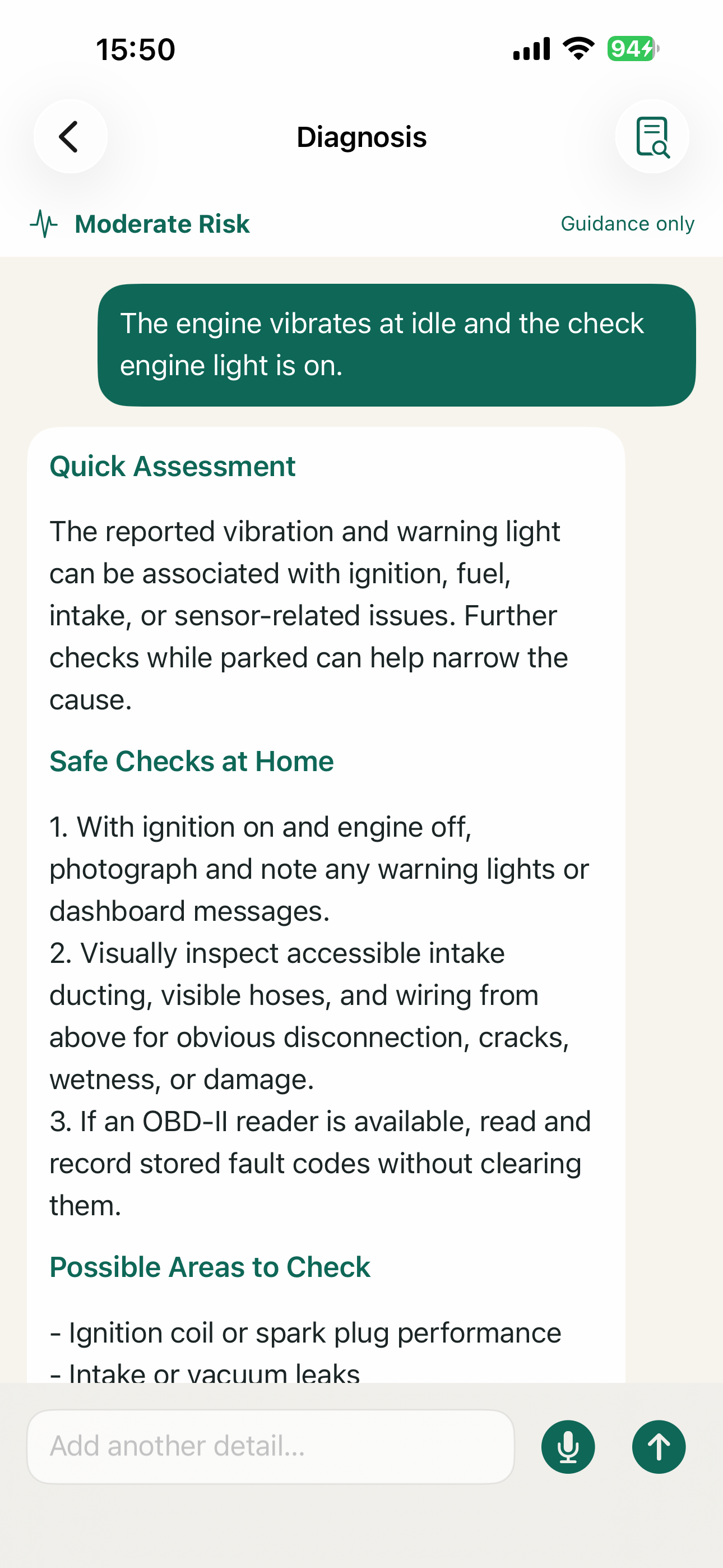
See The Guidance And Vehicle Records In Context
From describing a symptom to keeping useful vehicle details close at hand.
Understand The Signal. Choose A Clearer Next Step.
Describe what you notice, answer follow-up questions and review possible causes with practical safety guidance.
AI-assisted information only; not a definitive diagnosis.
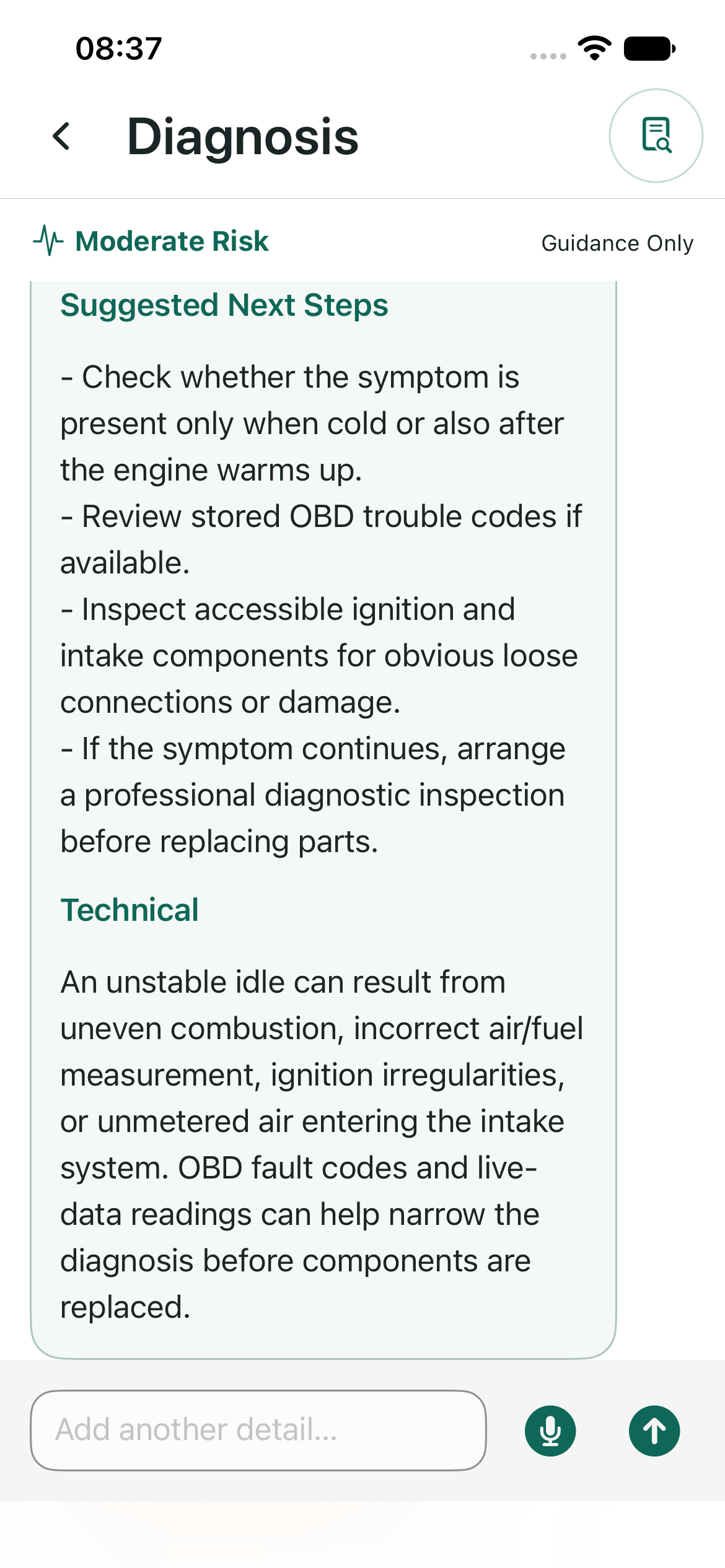
Keep Vehicle Details And Records Together.
Keep vehicle information, mileage, maintenance history and imported documents in one place to make the next conversation easier.
Illustrative vehicle data · example vehicles and mileage shown.
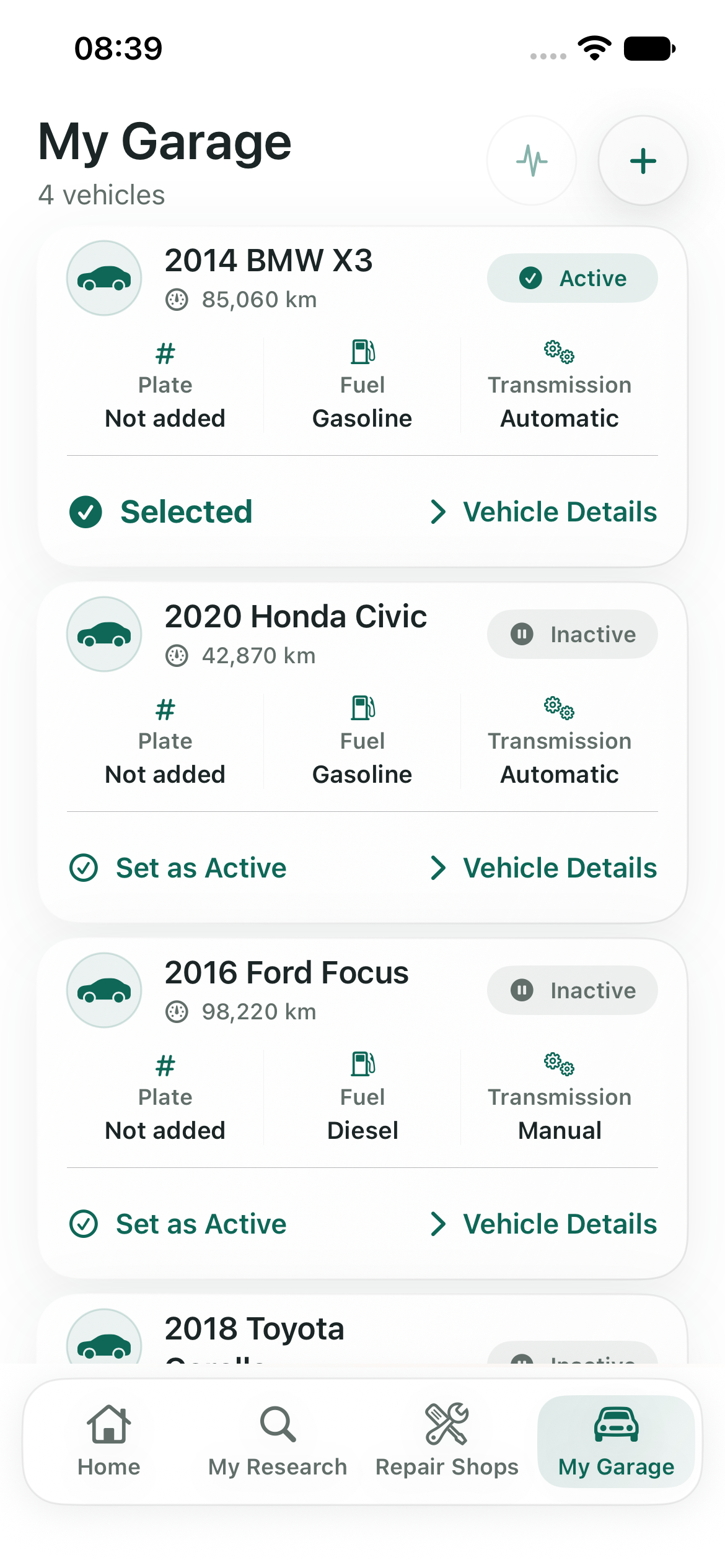
Keep Upcoming Service In View.
Bring maintenance dates, mileage and planned costs together so you can keep track of what you entered for your vehicle.
Illustrative maintenance data · planned amount shown is an example, not a service quote.
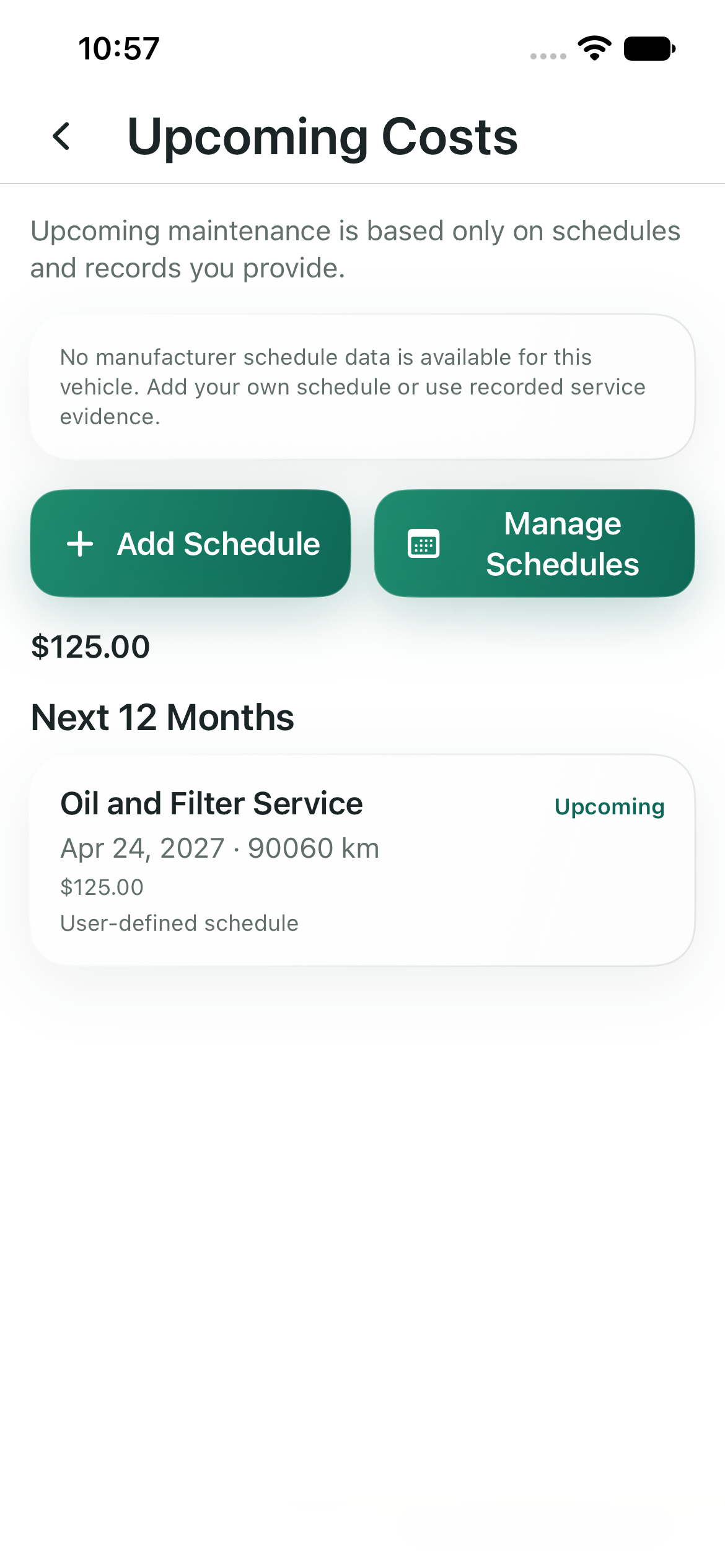
From Symptoms To A Next Step
Useful context for the questions, documents and routine that come with owning a car.
Understand Symptoms
AI-assisted assessment asks follow-up questions, explores possible causes and shares safety guidance with practical next steps.
Explore Car Sounds
Audio analysis can help explore possible causes from a recording. It is informational and cannot confirm a diagnosis.
Read OBD Codes
Read stored codes with a compatible external BLE or Wi-Fi adapter. A phone alone cannot read OBD codes. Reading is informational: CarFixMate does not clear codes or control the vehicle.
Review Documents And Estimates
Scan an invoice or repair estimate, review the extracted details, and compare 2–4 service quotes for the same vehicle and currency.
Keep Vehicle History Together
Organize vehicles, maintenance records and imported documents; keep mileage and service context close at hand.
Stay On Top Of Maintenance
Set date and mileage reminders. Track warranty information you enter; CarFixMate does not provide a new warranty.
Get Safe DIY Guidance
Explore safe, practical checks for yourself. DIY guidance is available without Premium; saving a result to maintenance history depends on Maintenance Premium or trial access.
Repair Shops
Find nearby places to continue the conversation when a technician is the right next step.
Explanation Level
Choose the depth that works for you—from a quick read to a more detailed explanation.
Feature access is subject to usage limits and your plan. Premium helps keep ongoing maintenance history and records together; see the plan screen for availability.
Known Vehicle Problems
Explore source-matched records for known vehicle problems using the vehicle details you provide. Review the supporting information and confirm whether a record applies to your exact model and configuration. Known problems and recalls are different: a reported pattern does not mean your vehicle has that fault, and no matching records does not establish that a vehicle is problem-free.
A Calmer Way To Decide What Comes Next
Start with what you know and build a clearer picture step by step.
Tell Us What You Notice
Share a symptom, warning light, sound or vehicle detail in your own words.
Answer And Explore
Use follow-up questions and guidance to understand possible causes and safe checks.
Take An Informed Next Step
Keep a record, compare estimates, set a reminder or prepare to speak with a technician.
Frequently Asked Questions
Can CarFixMate diagnose a fault with certainty?
No. It provides AI-assisted informational guidance and explores possible causes. It does not replace a qualified technician’s inspection.
Can my phone read OBD codes by itself?
No. Reading codes requires a compatible external BLE or Wi-Fi OBD adapter. CarFixMate reads codes only; it does not clear them or control the vehicle.
How does estimate comparison work?
Review the scanned details, then compare 2–4 service quotes for the same vehicle and currency.
Do I get a warranty through CarFixMate?
No. You can track warranty information you enter. The app does not create or extend a warranty.
What can sound analysis tell me?
It can help explore possible causes from a recording. It cannot confirm what is causing the sound.
Are safe DIY steps part of Premium?
Safe DIY guidance is available without Premium. Saving the result to your maintenance history requires Maintenance Premium or trial access.
Take A Clearer Next Step.
Bring your symptoms, vehicle details and questions together before your next repair conversation.
View on the App Store ↗